



bammrwolfe
Members
-
Joined
Everything posted by bammrwolfe
-
Craig just made an announcement outside Dreamworld. - No time frame currently on the reopening of the park, no decisions will be made or announced this week - Over 200 staff showed up today out of their own will and are taking part in admin, cleaning, etc. - Safety Audits have begun, he will keep the public advised over the next few days. - He beat down the claims that HWSW was understaffed by saying that it was approved on 4 tiers and by WH&S QLD. - He believes every ride is sufficiently staffed. Been trying not to read all of the media articles in between announcements but it is difficult when there is stuff everywhere.
-
The media have handled this absolutely appallingly, these are real people and they are being so insensitive about it. People keep mentioning how Dreamworld should close on social media, but they don't realise that Dreamworld is incredibly safe however accidents do happen. There have been many deaths at Disney and Six Flags and they remain open, so hopefully everything works out for DW. Haven't stop thinking about this all day, and my heart sinks every time I hear it mentioned.
-
Been listening in on the news for hours now, this is honestly such a sad time for Dreamworld. My deepest condolences for the families.
-
I tried catching up on as much as I could before I posted it, oops sorry guys.
-
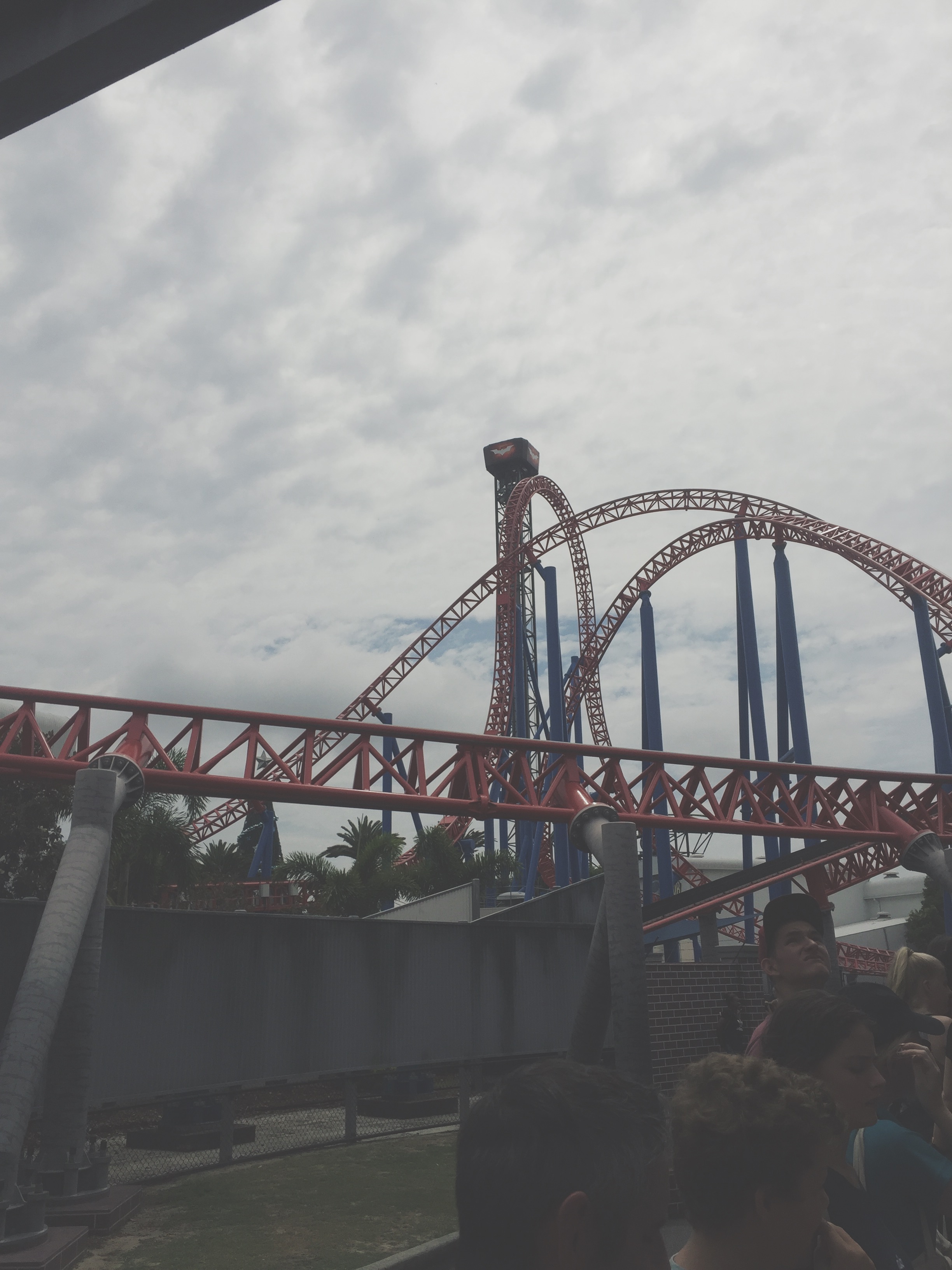
Last time I was at Movie World which was in April, so long ago. SDSC was down at least two times a day, now I know the maintenance is later in the year. So much wasn't working when I was on it, the swords didn't move, the giant blades were stuck and the music wasn't working. As well as I have noticed each time I have gone the lasers in the upper area have become less exciting. Although SDSC is one of the most popular rides, could it be possible MW are letting it decline and may use the show stage for the new ride? Considering that the Doomsday area is right next to it, it could all blend together.