


Leaderboard
-
themagician
Members8Points8,299Posts -
xRazzBerryx
Members4Points568Posts -
Guest 239
Members1Points618Posts -

Im Hungry
Members1Points366Posts
.thumb.jpeg.eb47109a7befe09821c7d8c9e1565e4c.jpeg)


Popular Content
Showing content with the highest reputation on 10/10/21 in all areas
-
4 pointsIt’s great to see dreamworld putting on back to back events (Spring County Fair -> Happy Halloween) & putting a solid amount of effort into both. Looking forward to attend next weekend 🎃4 points
-
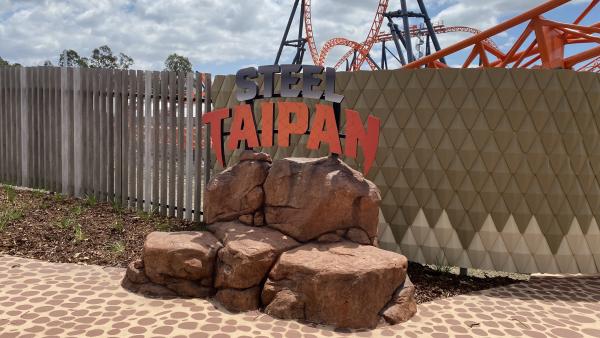
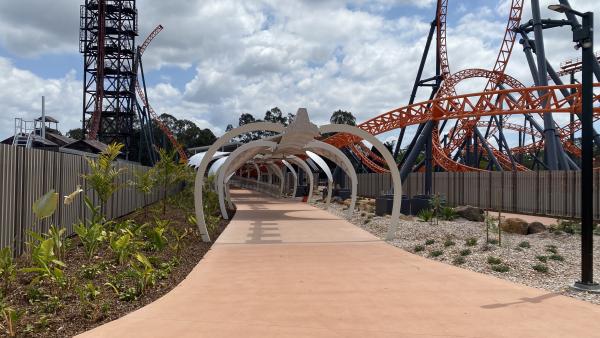
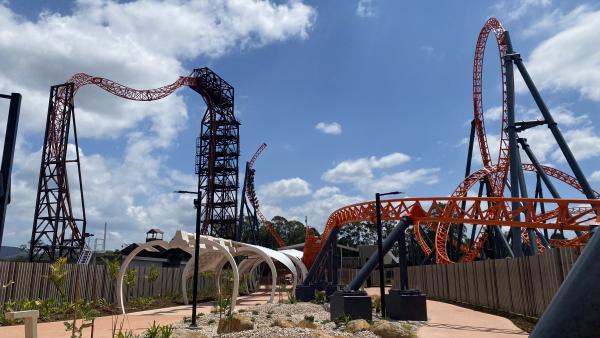
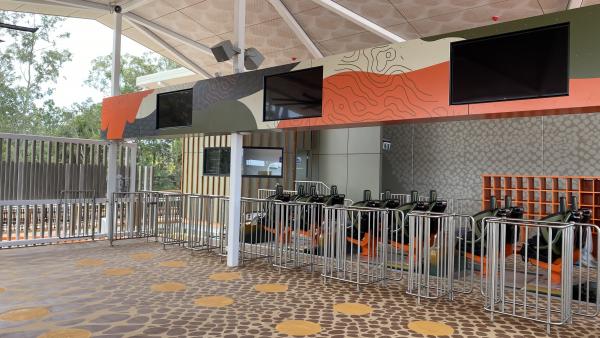
This morning I was invited out to Dreamworld to get a sneak peek of Steel Taipan and a walk through of the entire area. I’ll start out by saying, overall they’ve done a good job with the area. It’s very nicely presented, good aesthetic/theming elements and watching both trains in testing while in the queue/entry areas is awesome. I was able to take a few photos of the area, so I’ll describe what I captured and if anyone has any questions, I’ll try answer them the best I can with what I can share publicly. The entry signage is something we’ve already seen, but here it is up close The path leading to the queue entry A look at the entry and exit paths There is a test seat before joining the queue. The garden beds throughout have been done very nicely. Suits the theme/style. There is a main, single rider and Tailwhip queue. The queue wait time and ride safety information sign is yet to be installed, but will be positioned here. The station area is massive and allows for many people to be organised for loading to make it as efficient as possible. There are also large fans in the station and queue. The screens will show boarding information. Here’s a closer look at the train
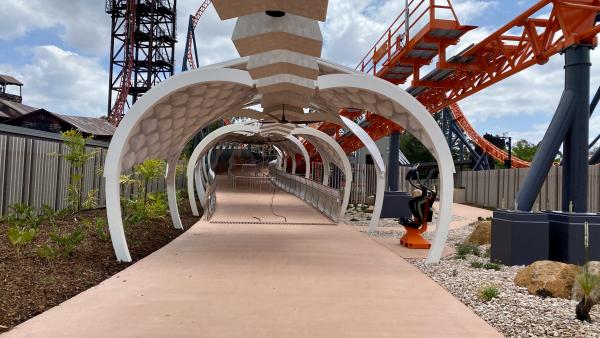
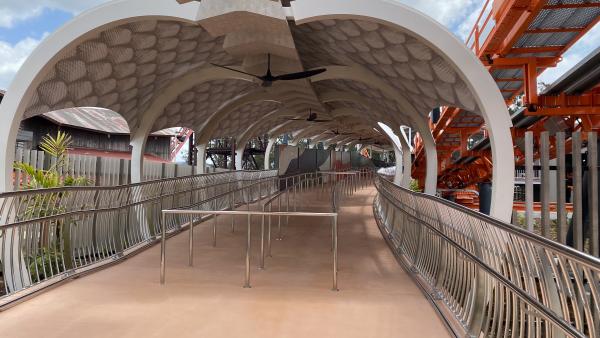
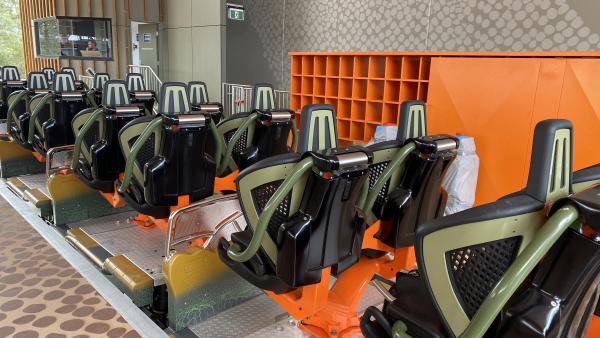
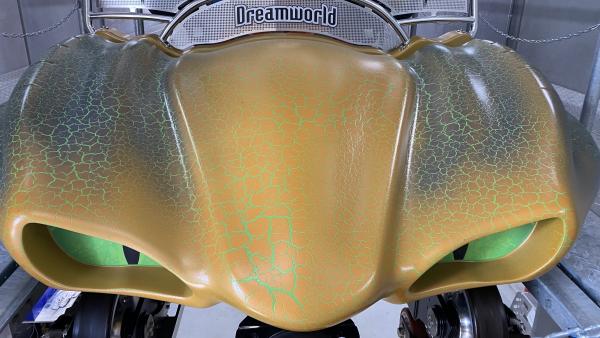
 4 points
 -
2 points
-
2 points
-
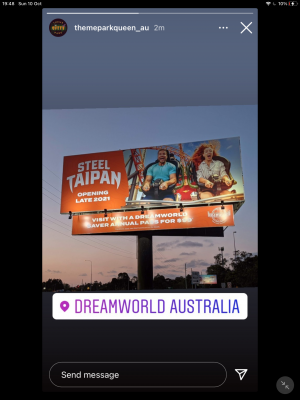
From @themeparkqueenau on instagram, Steel Taipan's billboard (as referred to earlier):
 1 point
 -
1 point
-
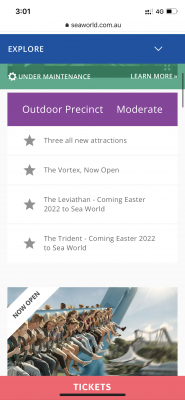
1 point1 point1 pointI'm sure the Leviathan blog can tell us more about the delays! https://themeparks.com.au/blog/leviathan-construction1 point0 pointsIn news that will suprise few, both Leviathan and Trident have been pushed back to Easter 2022.
 0 pointsThis leaderboard is set to Brisbane/GMT+10:00






Important Information
By using this site, you agree to our Terms of Use. We have placed cookies on your device to help make this website better. You can adjust your cookie settings, otherwise we'll assume you're okay to continue.