


Leaderboard
-
Tricoart
Members2Points981Posts -
strop
Members1Points347Posts -
Ogre
Members1Points492Posts -
Ashley Jeffery
Members1Points377Posts
.thumb.jpg.ca964889ab15a7ebdc1cfc7e75e81239.jpg)



Popular Content
Showing content with the highest reputation on 01/09/24 in all areas
-
1 point
-
Hmmm… this sounds an awful like what a Bikash burner account would say.🧐 Sorry, but no. A senior leader does not have any right to mention DW or 2016 in the way he did. Totally unprofessional. He’s not just a ride operator or in middle management that’s passionate about his workplace and having a rant; he’s a senior leader (both in the company and in the industry) and therefore needs to compose himself and express his views accordingly. By all means, put the media in their place for their shitty reporting, lying and exaggerations, and stick up for your staff and the efforts they (and the entire industry for that matter) have gone in terms of excelling safety standards, but don’t do it that way.1 point
-
1 pointHere’s some photos I grabbed of Renegade Racers back in the last school holidays but never got around to posting.
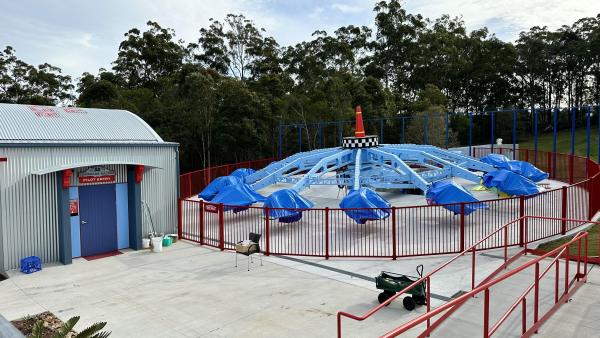
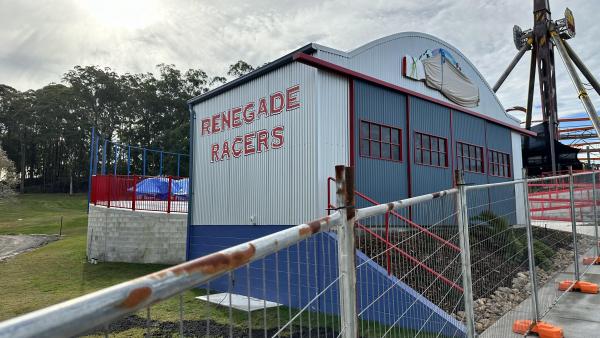
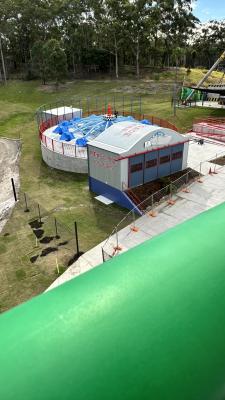
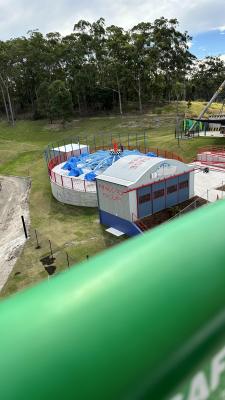 1 point
 -
1 pointOh cool a discussion thread about something new at the parks! Let me just scroll through the petty argument that happens in every thread between the same people to actually get to what I came here for! Anyway, this sounds like a great investment for the park, assuming the food matches the quality of the theming. It looks like they've gutted the entire building so hopefully that means a new kitchen where they can cook actual meals instead of the usual quick service menu1 point
-
Another social post about the ongoing development/construction process of WoO, this time focused on "Munchkinland". (Credit: Movie World's Instagram) Also, seeing as it hasn't been posted yet, the base structure of what is assumedly Emerald City's facade has begun construction. (Credit: Jaggs Journeys' Instagram)
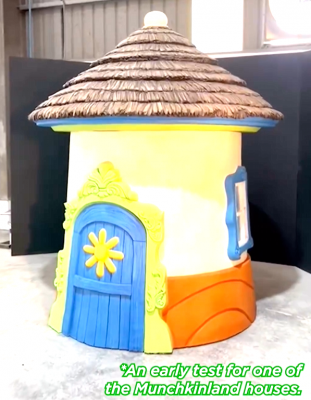
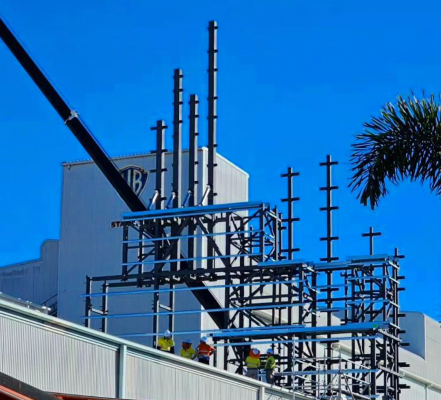
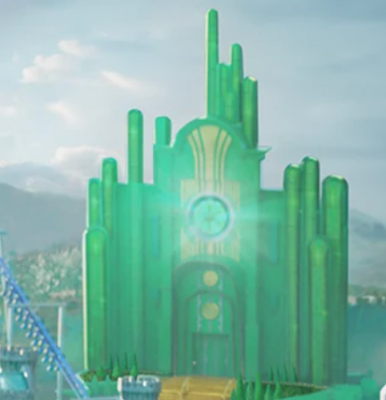 1 point
 -
New social post showing the inside of the "Wizard's Chamber" in it's current state, as well as a preview of some related theming elements. (From Movie World's Instagram)
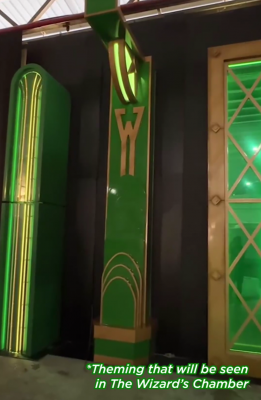 1 point
 -
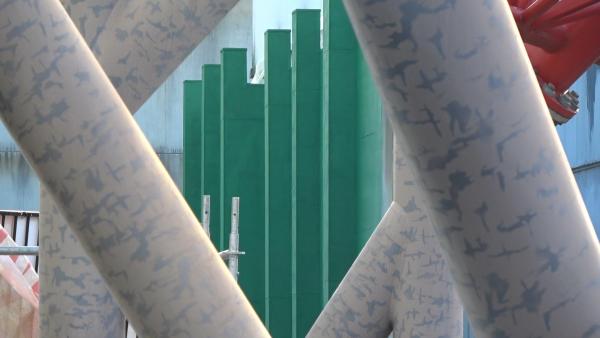
Don't have a Cow, man! Arkham area is getting the Emerald treatment
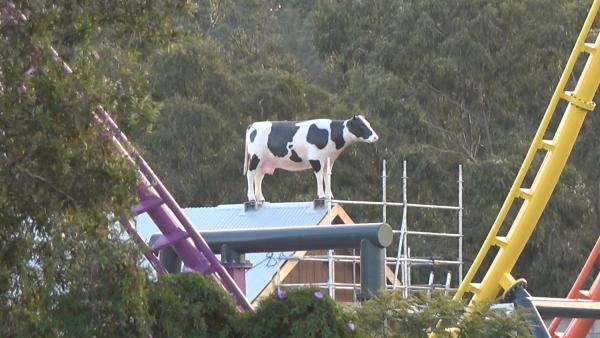
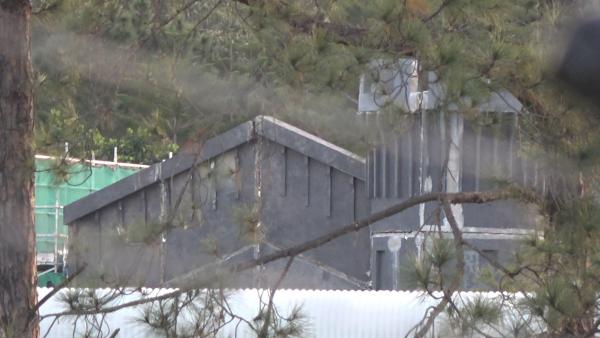
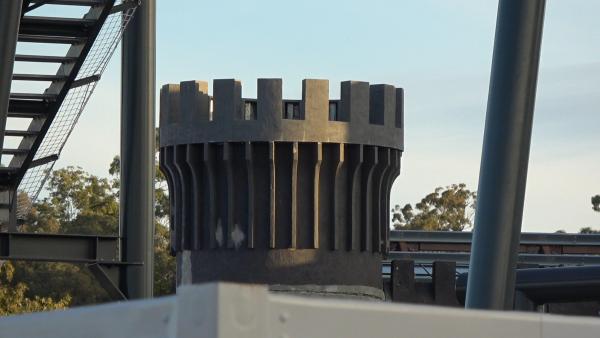
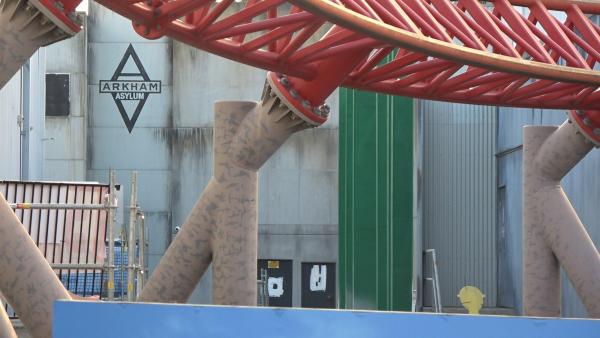
 1 point


This leaderboard is set to Brisbane/GMT+10:00