


Leaderboard
-
New display name
Members1Points8,183Posts -
Smol bean
Members1Points595Posts -
Noll_57
Members1Points294Posts


Popular Content
Showing content with the highest reputation on 07/02/26 in all areas
-
1 pointMost references to Motocoaster have now been removed from the website aside from the park maps.1 point
-
1 pointIt’s true there aren’t many thrill rides close to Aussie World, but Aussie World doesn’t need another theme park nearby to be competing for people’s money. The real competition is everything else people could be doing. You can see the same thing on the Gold Coast with the NRL. Gold Coast teams have always found it hard to attract crowds. The first club tried everything to make it work, even changing its name multiple times. Giants, Seagulls, Gladiators, Chargers. Same club, new jumper, fresh hope… then eventually it folded. The Titans are now heading into their 20th season and still struggle at times to draw big crowds. This is Queensland, a rugby league state through and through, yet convincing people to head to a game on a Sunday afternoon isn’t always easy. Meanwhile, newer teams in Townsville and Redcliffe had instant success. On the Gold Coast, footy isn’t competing with other footy teams, it’s competing with beaches, theme parks, pubs, family time, and a long list of other options. It’s the same situation for Aussie World. Just like the Titans don’t need another NRL team on the Gold Coast to face competition, Aussie World doesn’t need another park nearby either. There’s already plenty of choice, and that’s what really shapes where people spend their time and money.1 point
-
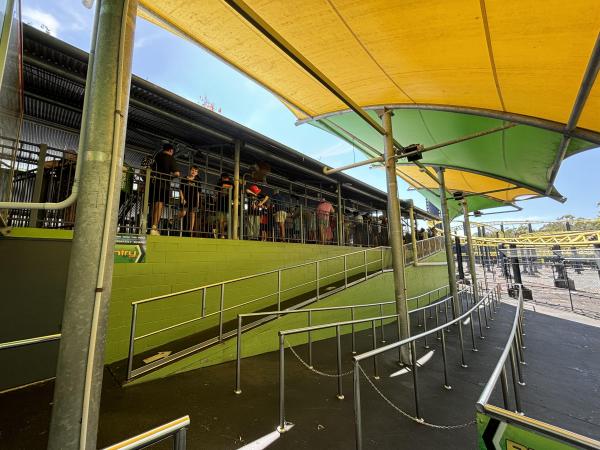
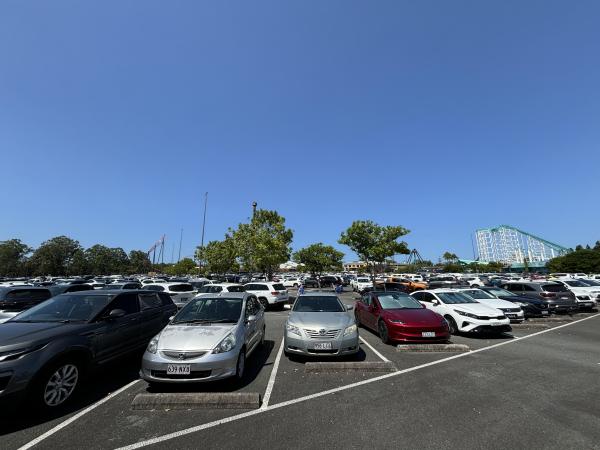
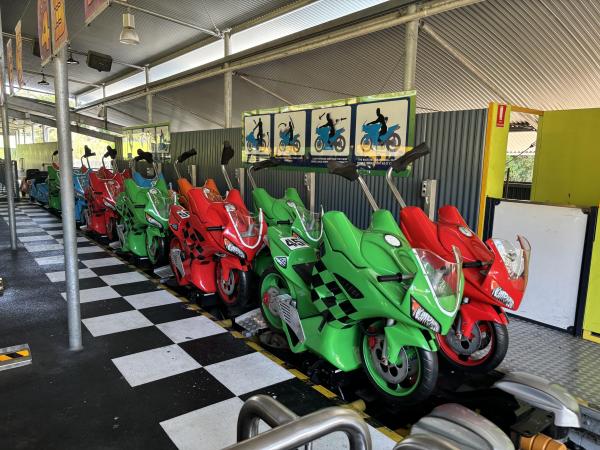
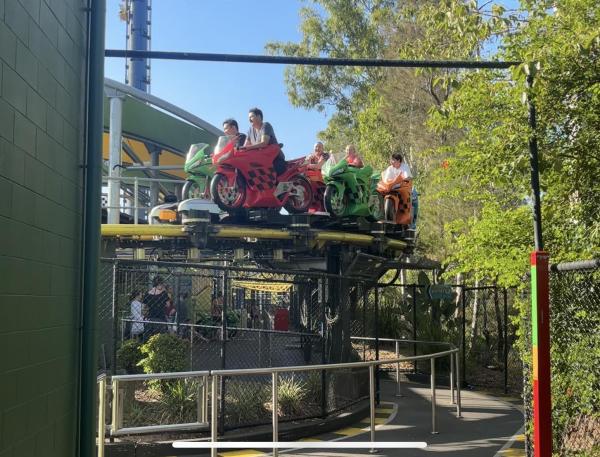
1 pointI also went for one last lap on Motocoaster today. It’s definitely strange to think it’ll no longer be around, but I can’t wait to see what happens to the site. Also, the car park was completely full again which was great to see!
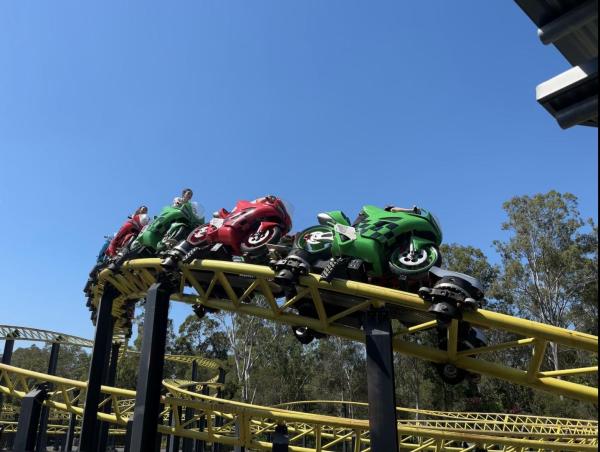
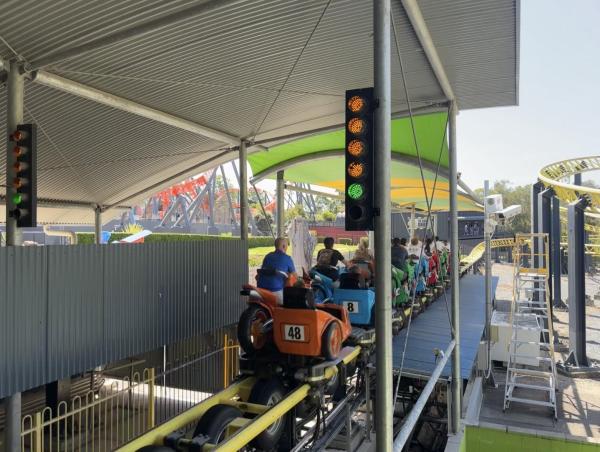
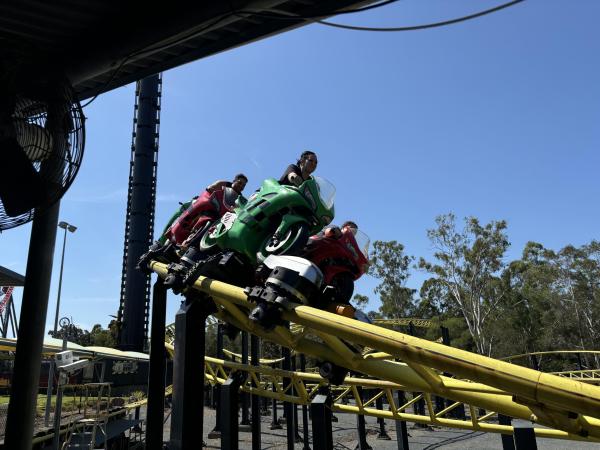
 1 point


This leaderboard is set to Brisbane/GMT+10:00