


Leaderboard
-
New display name
Members6Points8,183Posts -
Theme Park Girl
Members4Points2,100Posts -
.jpg.c8720c529fe2ac69c0244c79a8202db3.jpg)
Park Addict 93
Members3Points1,481Posts -

Brad2912
Parkz Crew3Points7,470Posts


.jpg.c8720c529fe2ac69c0244c79a8202db3.jpg)

Popular Content
Showing content with the highest reputation on 02/03/17 in all areas
-
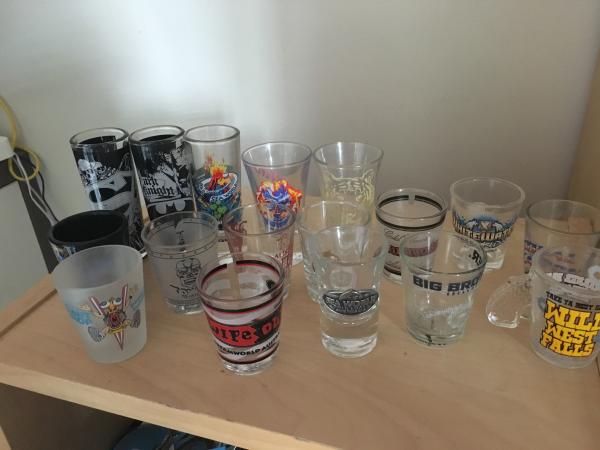
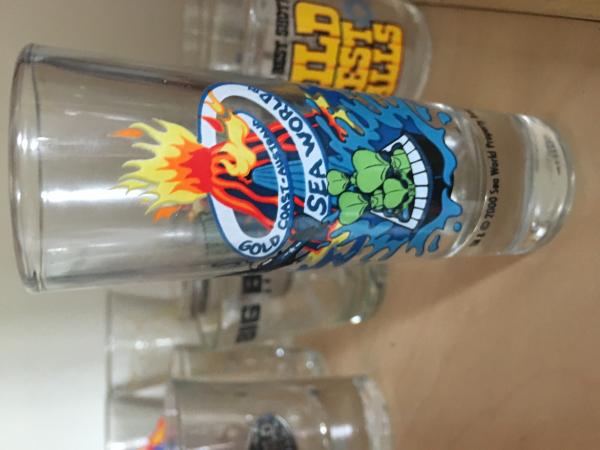
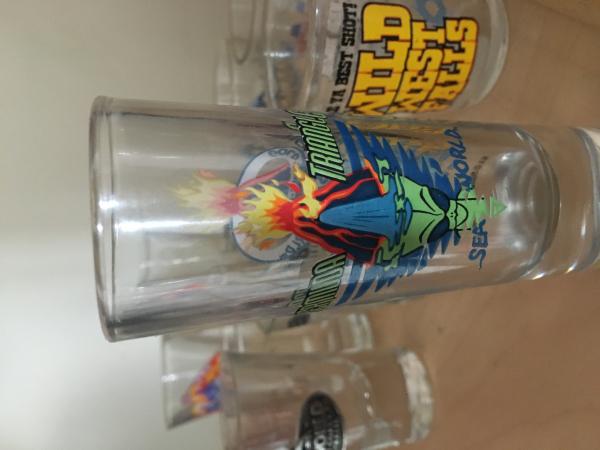
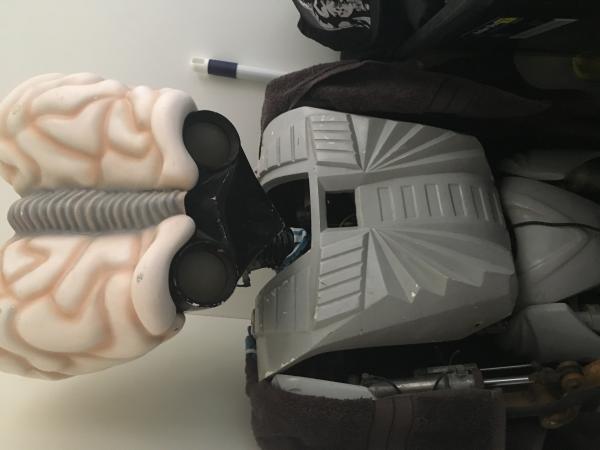
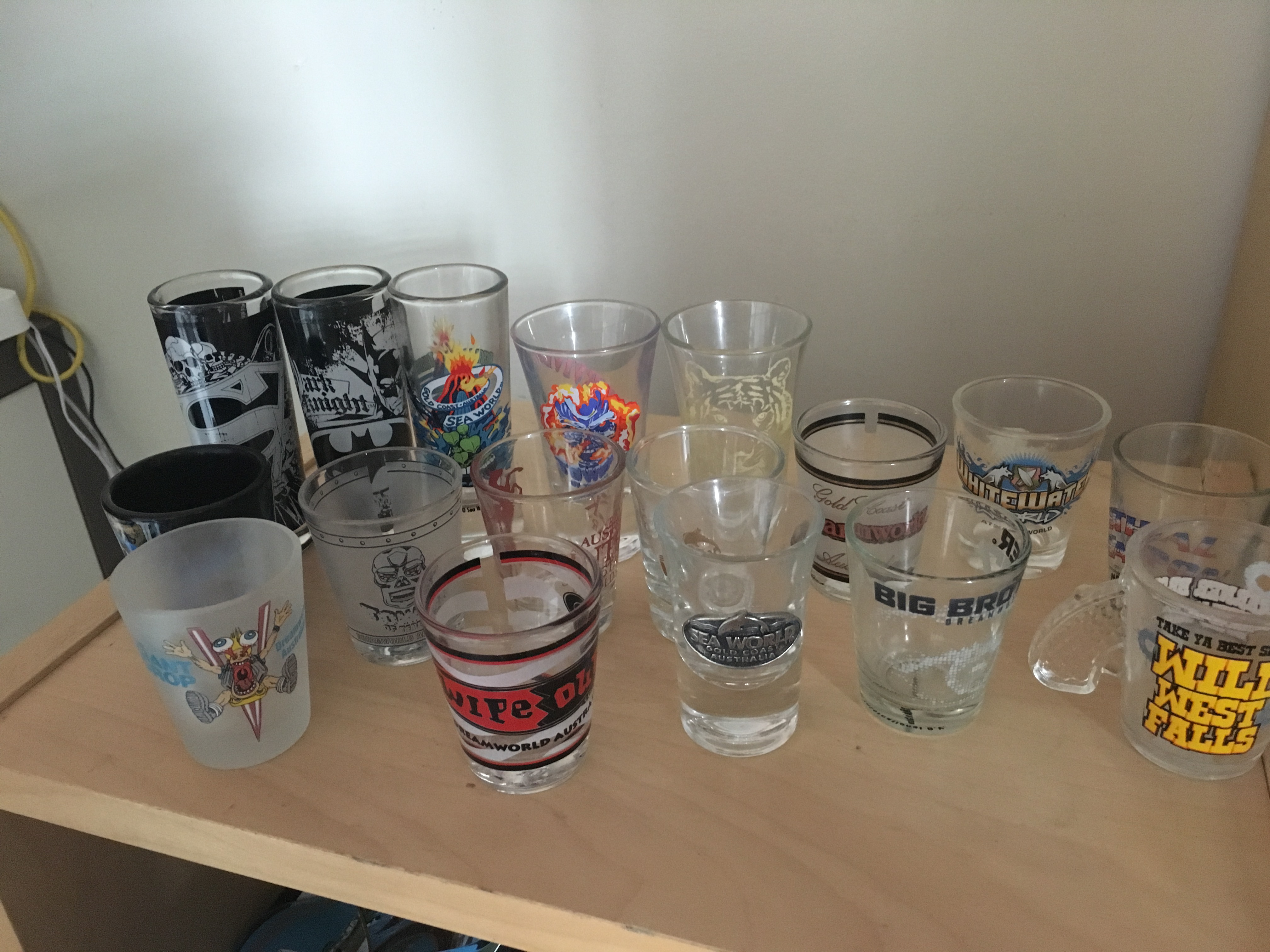
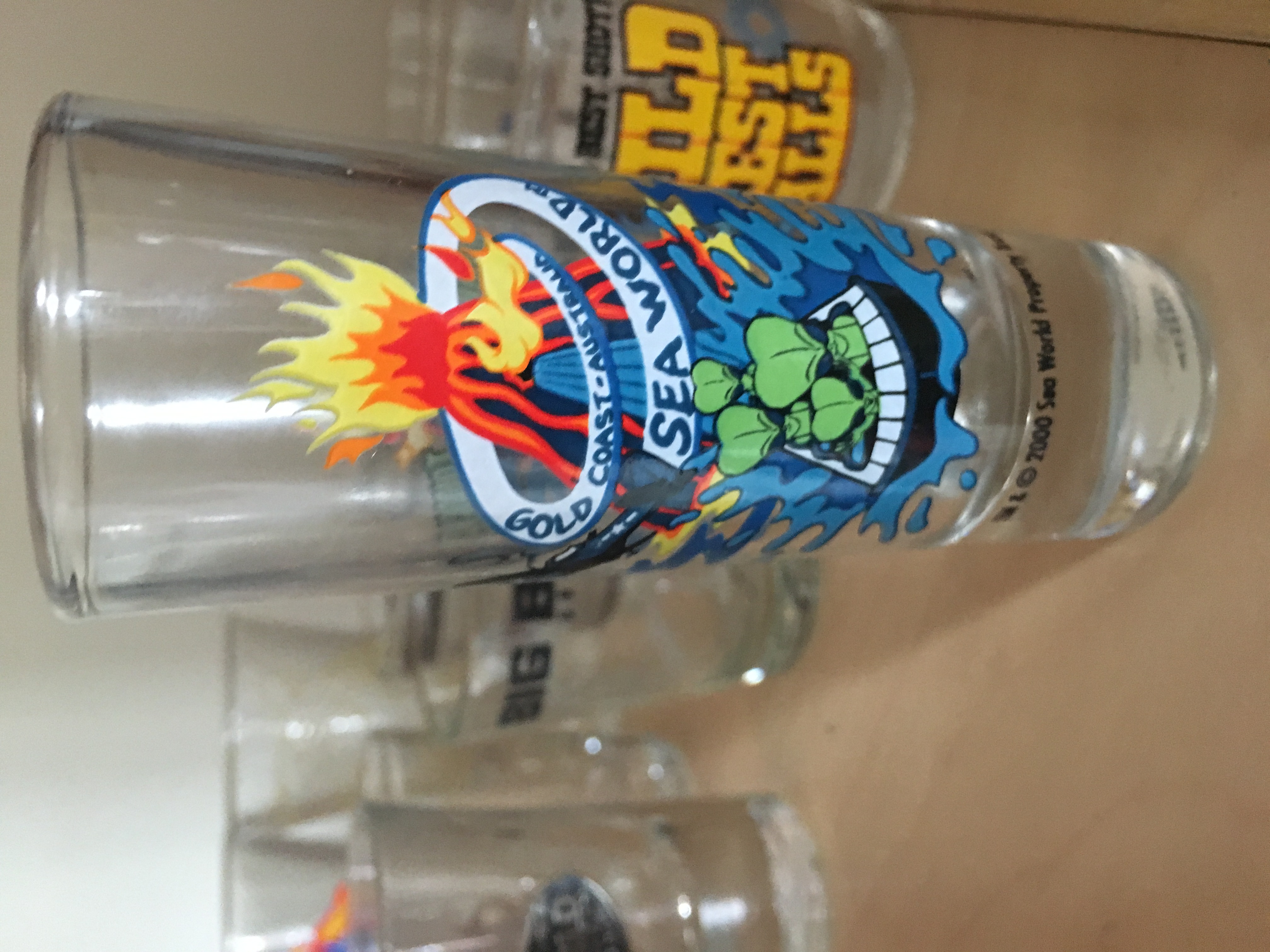
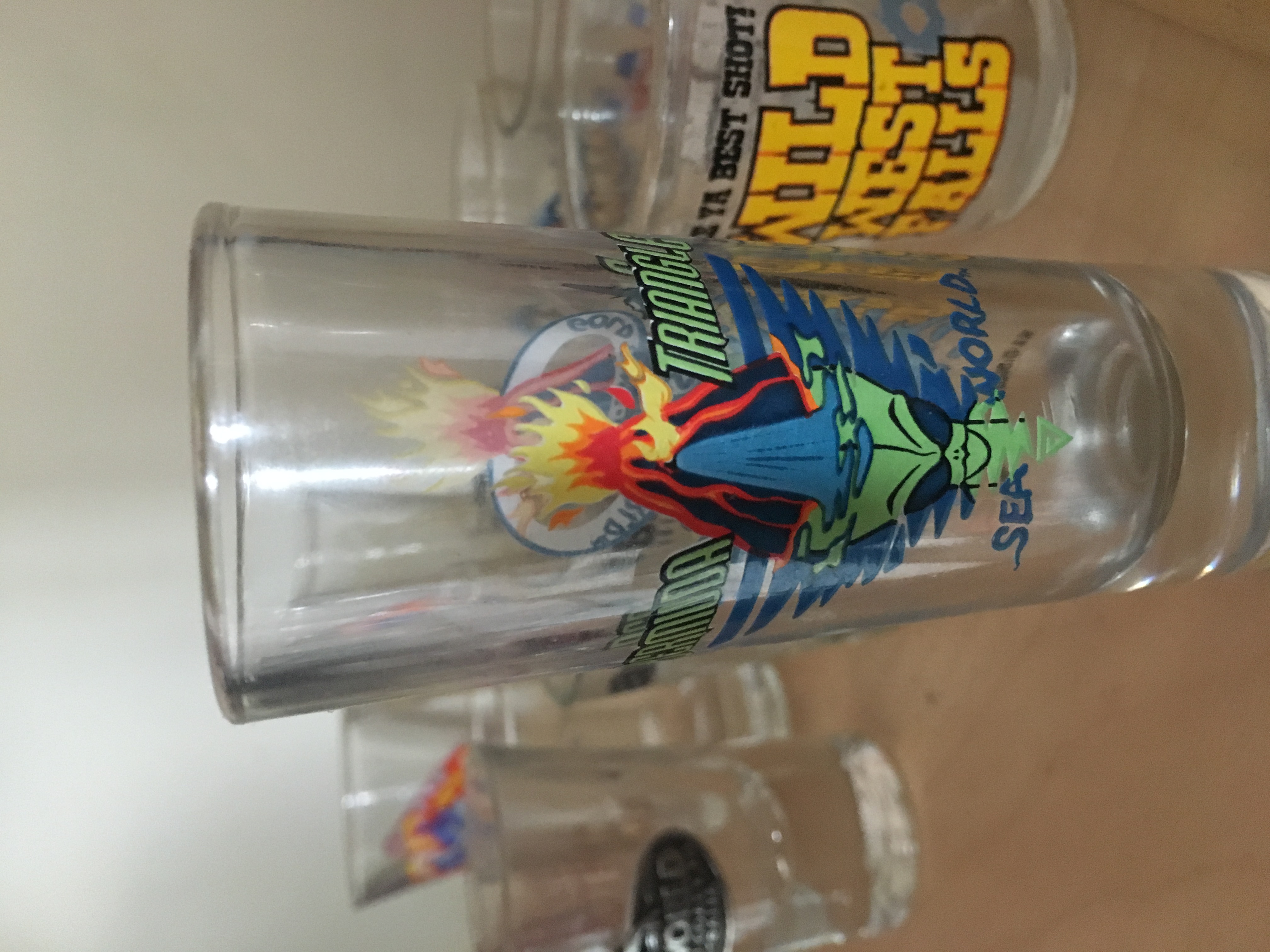
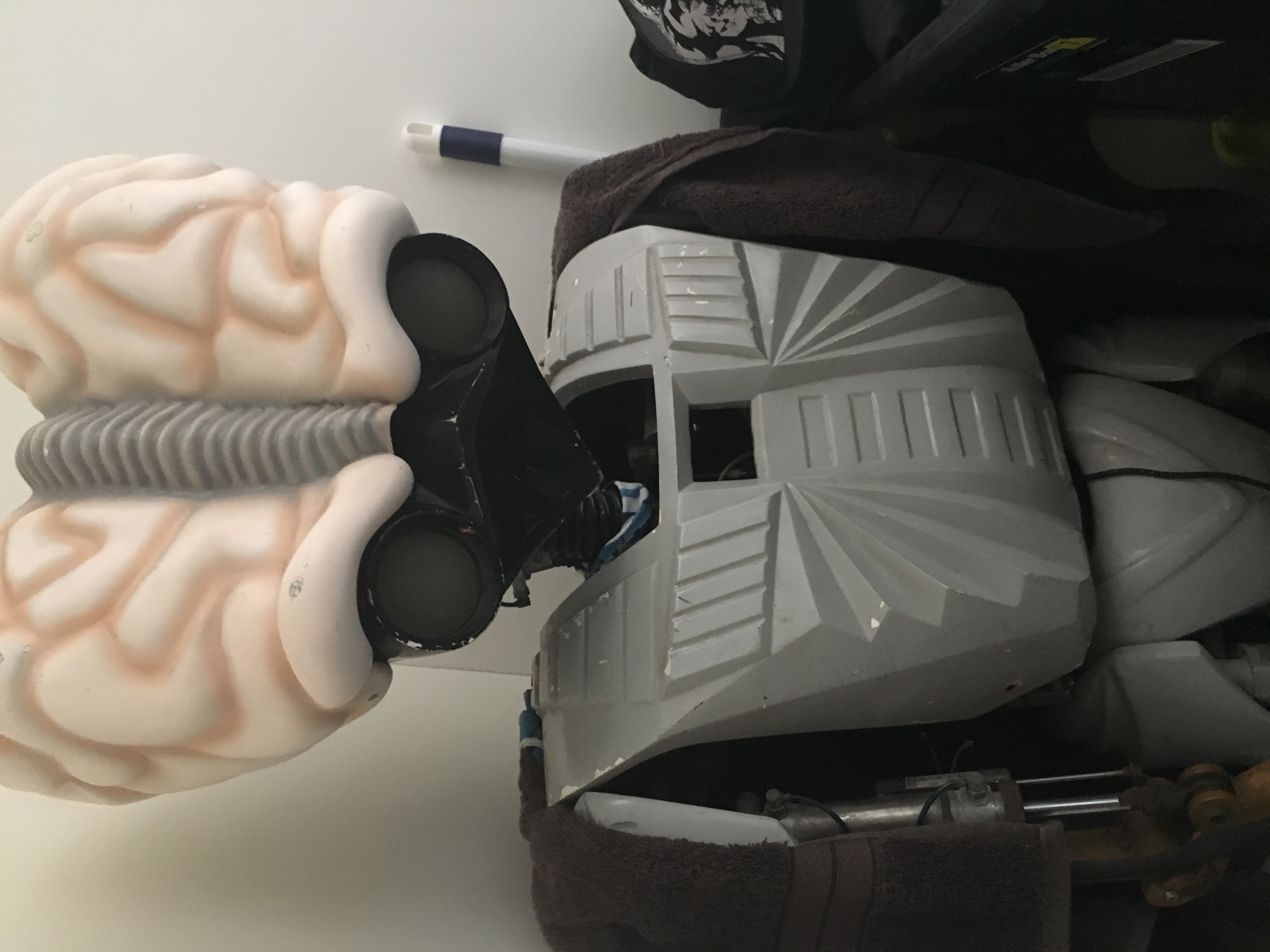
4 pointsHoly thread resurrection batman! Thought I would share my latest acquisition (Bermuda Shot Glass) along with some other theme park shot glasses and my Bermuda Alien.
 4 points
 -
3 points
-
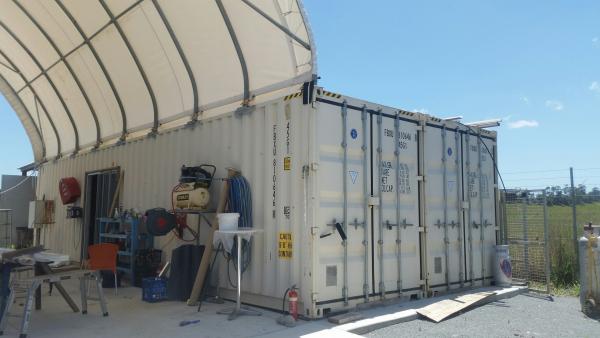
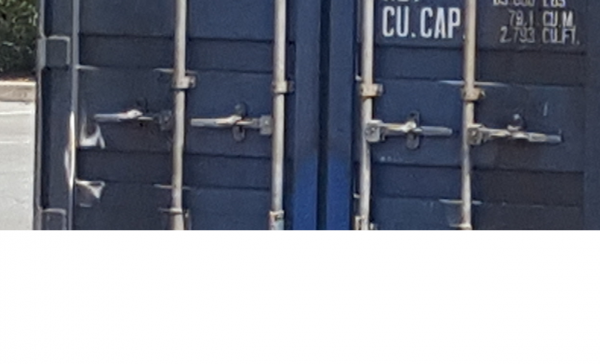
This temp roof structure is a standard thing on construction sites now. I currently have a new warehouse going up in Northern NSW and look what we are using. Once this is finished the roof will be removed and reassembled on the next job site. I am prepared to say the most the containers would have in them would be tools. In saying that I believe them to be empty. Once the coaster arrives at the shipyard they will not deliver it in bits and pieces. The shipyard doesn’t like to hold anything and as soon as it clears customs it will be moved on. @Theme Park Girl can we get a zoomed in photo of the locks. If it has a seal on it: They have come on a ship. If it has a padlock on it: They will have tools in it. If it has nothing on it: They will be empty. Hold that thought @Theme Park Girl found a close up.
 3 points
 -
2 points2 points1 pointI don't get this tour @Brad2912 it's a whole tour of saying this was filmed here but nothing remains to see.1 point1 pointHe'll love you even more if he can walkthrough your house first...1 point1 point1 pointThe screen should be finished now so it would be good to see. It was also good to see the two UFO's doing an update for the Daily Planet.
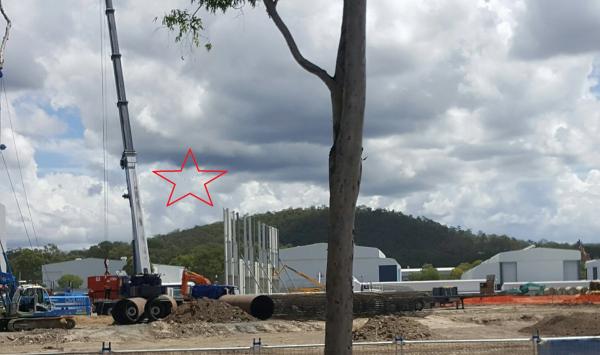 1 point1 pointLol well I'm flattered @YLFATEEKS, as I took them from a moving vehicle and thought they were crap ? I've got the day off work, so thinking about doing a park run today to do catch-ups. Will see if I can get some better quality shots of what's happening ☺️?1 point1 pointTPG kept her best photo for herself so I stole it @Theme Park Girl Sorry @Theme Park Girl I stole your other photo too. They are good photos and show what is going on, really well.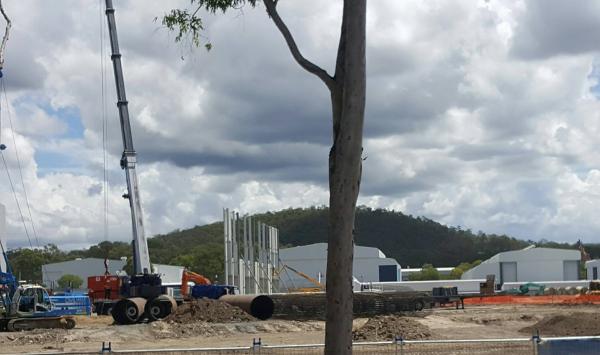
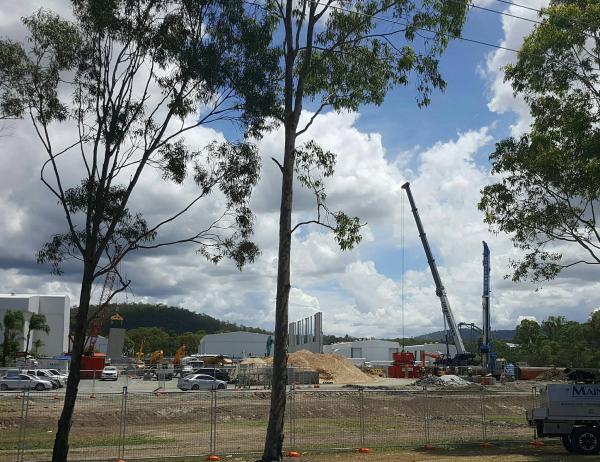 1 pointThat'll pretty much sandwich my house between Dreamworld & "Orlando-style theme parks" Won't complain. Also won't be holding out any hope. Been waiting 9 years for the Coomera Town Centre to be finished and they've only just started ground works. "It won't happen overnight, but your grandkids might see it...."1 pointFrom the other side for those interested, taken today.
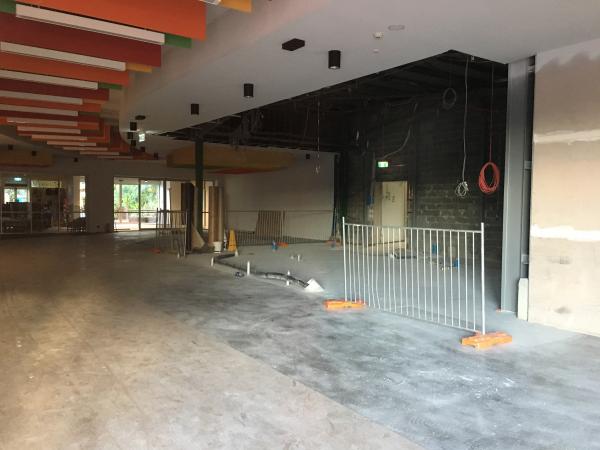 1 pointIt would be a very long time before any possible new theme park was built there I think, but fantastic to see they've included land for that potential use.1 point1 point1 pointI liked how: they didn't answer the actual question they played obnoxious music really loudly so that you could barely hear the guys speaking (edit: i've now listened to it on mobile and on desktop, and it sounds fine on desktop, but mobile you can't hear a word clearly over the music) they subtitled what was being said (probably because of the shitty loud music) but didn't leave practically any of it on screen long enough to actually read it all they used technical terms that general punters won't understand - like torque lines and moveable trim brake fins they can't even master basic punctuation, such as an apostrophe at the appropriate time (start's at 5:30am) they used the exact same ride that appeared in the channel 9 segment - (which makes you wonder what's wrong with their other rides) You can apparently be satisfied with many things on a mechanical device by simply grabbing, pulling, or rubbing your hands over the ride part - (checking bolts are secured by gripping them with your hand for example) I give them an A for effort - Dreamworld would do well to push something like this out - but they get an F for execution. Much of my issue with this video would fade had they not pretended to answer a question asked on social media - if they'd just introduced it as a 'your safety, our priority' video, without the schmarmy SM post from 'Rob' many of the other things wouldn't matter so much to me.1 point1 pointFenced off car park, shaded area near facilities, clearly they are putting in valet parking and this has nothing to do with the coaster.1 pointI dunno, I'll read it again later but it seems a little one sided, much like the media's one side reporting. To be a bit more balanced I think it should touch on that accidents do occur, even with safety protocols in place . For example, such as two trains colliding such as Alton Towers (Smiler) but the article explains why this can't happen, even though it has. Suggesting stoppages aren't terrifying for some is a generalisation. Maybe for riders that have a fairly intimate knowledge of rides and how they work would be ok with it but the general public (who are the majority of riders) are a different story. As much as I know these rides are pretty safe, being stuck at the top of the Giant Drop would be scary for most riders (how long are we stuck up here? How do we get off? Will the brakes still work? Do they know what's wrong with the ride?) to suggest it's not isn't fair. And I don't think computers make decisions, they work on instructions. Unless the rides use some fancy new Skynet. I'm sure I'll torn to pieces for making these comments!1 point0 points^and turn out the lights. You guessed it. I have no memorabilia.0 points0 points^ General consensus is it is financial decision-1 points-1 points^ Ticket prices at Dreamworld have remained lower due to low numbers moreso than rides not operating. The original plan was apparently for prices to rise closer to normal once the Big 9 were up. Ride Express has also just started being offered again. It's hard to offer advice without knowing your exact interests, I recommend visiting DW for an all round experience especially if you are time poor, if you have the time I would recommend MW and SW too with the understanding SW is currently operating with one adult ride, MW is still home to the best coasters. I would highly recommend visiting AOS too, cheapest tickets are on Groupon last I checked.-1 pointsThis leaderboard is set to Brisbane/GMT+10:00


.thumb.jpeg.eb47109a7befe09821c7d8c9e1565e4c.jpeg)







Important Information
By using this site, you agree to our Terms of Use. We have placed cookies on your device to help make this website better. You can adjust your cookie settings, otherwise we'll assume you're okay to continue.
Account
Navigation
Search
Configure browser push notifications
Chrome (Android)
- Tap the lock icon next to the address bar.
- Tap Permissions → Notifications.
- Adjust your preference.
Chrome (Desktop)
- Click the padlock icon in the address bar.
- Select Site settings.
- Find Notifications and adjust your preference.
Safari (iOS 16.4+)
- Ensure the site is installed via Add to Home Screen.
- Open Settings App → Notifications.
- Find your app name and adjust your preference.
Safari (macOS)
- Go to Safari → Preferences.
- Click the Websites tab.
- Select Notifications in the sidebar.
- Find this website and adjust your preference.
Edge (Android)
- Tap the lock icon next to the address bar.
- Tap Permissions.
- Find Notifications and adjust your preference.
Edge (Desktop)
- Click the padlock icon in the address bar.
- Click Permissions for this site.
- Find Notifications and adjust your preference.
Firefox (Android)
- Go to Settings → Site permissions.
- Tap Notifications.
- Find this site in the list and adjust your preference.
Firefox (Desktop)
- Open Firefox Settings.
- Search for Notifications.
- Find this site in the list and adjust your preference.